Getting Started
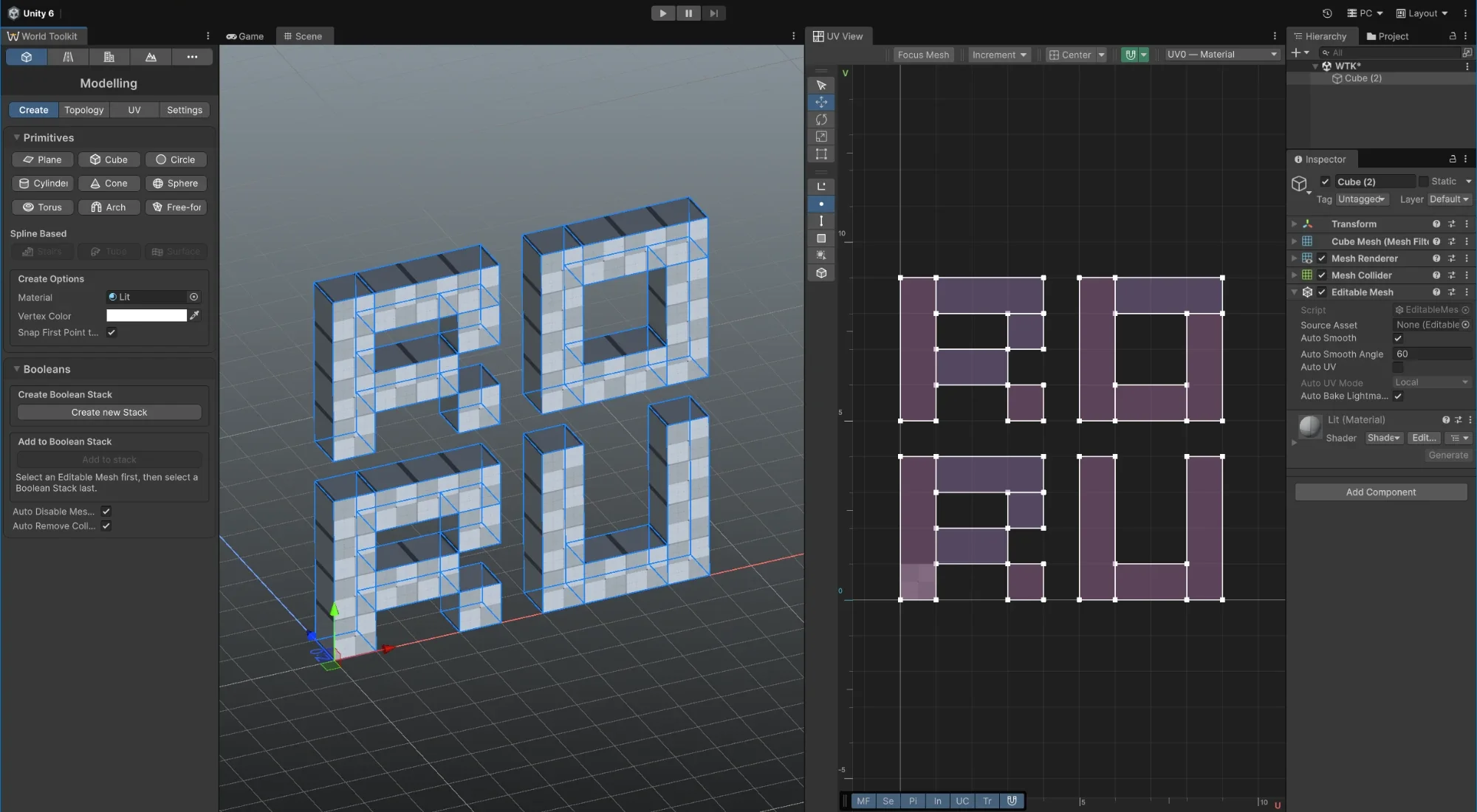
New to World Toolkit? Start here, in this order:
-
Add World Toolkit to your Unity project.
-
The window where every module lives, and the settings they share.
-
A short tour from an empty scene to a terrain, a road, a building and a modelled detail.
A few ideas that apply everywhere
-
Everything starts from a spline
Roads, building footprints, terrain stamps, spawners and decals are all shaped by splines, and they're all edited with the same controls. Learn them once and every module feels familiar.
-
Most things are non-destructive
Roads, junctions, buildings, terrain stamps and boolean operations rebuild from their settings whenever something changes. Move a knot and the result follows, so there's no need to get it right the first time.
-
Rules and presets make setups reusable
Keep a setup in an asset and apply it to new or existing objects: Road Rules for roads and junctions, Building Rules for buildings, a Terrain Stamp Preset for stamps and Spline Array Rules for array spawners.
-
Watch the context tips
The panel in the Scene view tells you what clicking, dragging and each key will do with the active tool. See Context tips.